Migrate individual Pools & Territories across environments with a few clicks!
Round Robin Pool Import/Export:
Previously, LeanData only offered the ability to export and import all Pools. Now, as you develop Pools in Sandbox and move them to Production, you can select which Pools to include, and avoid importing other Pools with unintended changes. Navigate to the Round Robin Pools page to utilize this feature.
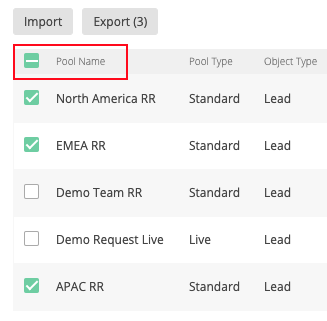
For more information on this feature or working with Round Robin Pools please see our Round Robin Guide: https://leandatahelp.zendesk.com/hc/en-us/articles/360016462273
Territory Export
If you would like to export multiple Territory Segments, you can do so by selecting your desired segments and using the Export feature. Note that this will download each selected Territory Segment CSV file separately and you will need to upload them individually into the destination instance.
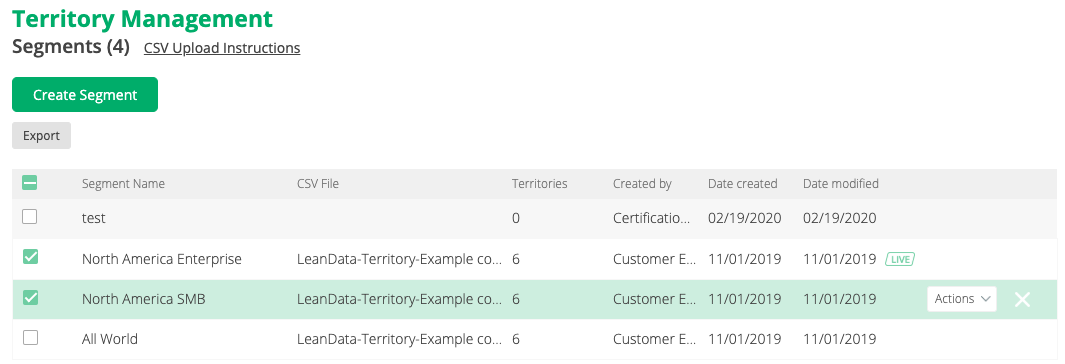
For more information on this feature or working with Territory Management please see our Territory Management Guide: https://leandatahelp.zendesk.com/hc/en-us/articles/360016460833